
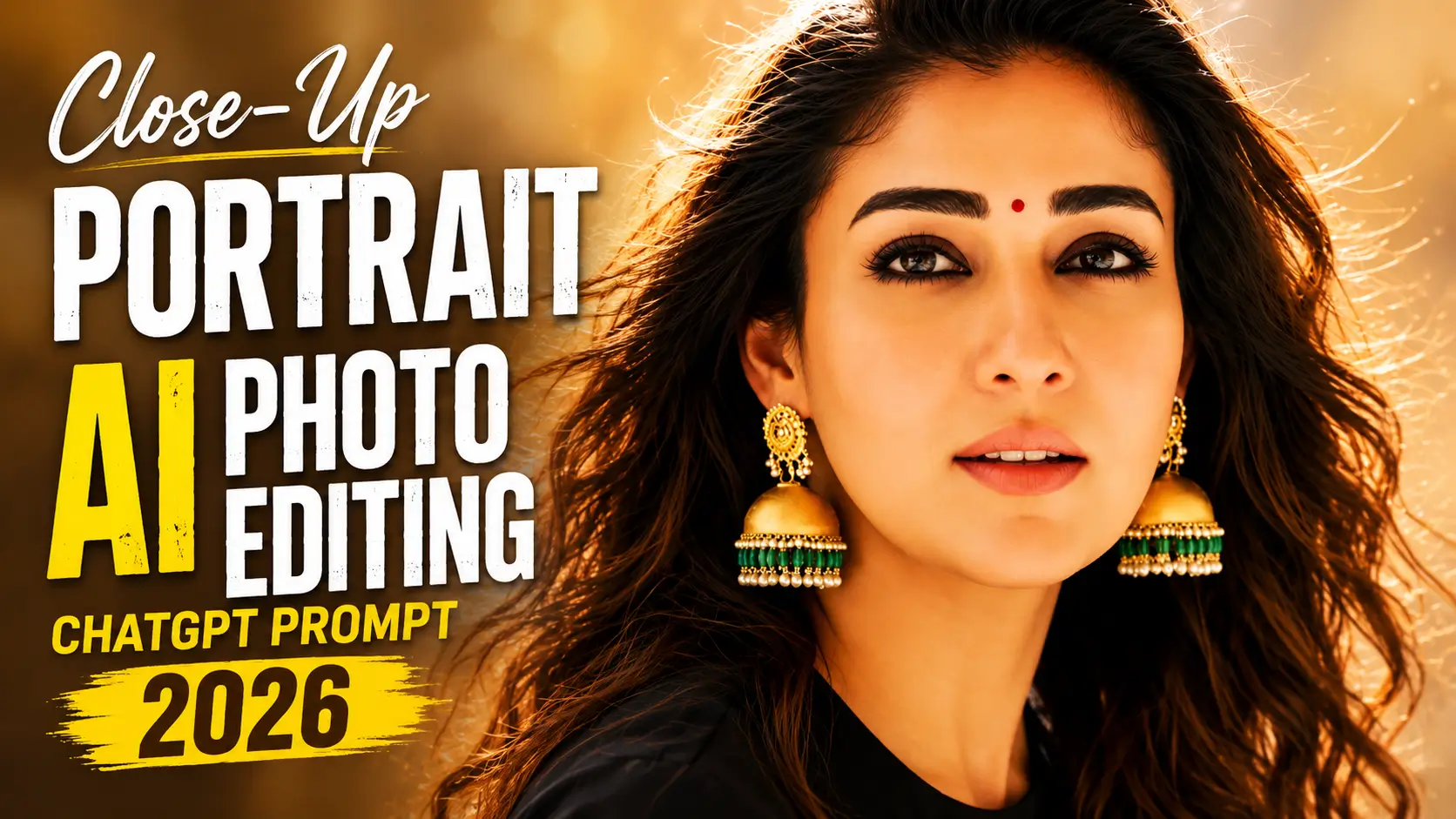
Imagine capturing every tiny detail of a face, the sparkle in the eyes, the texture of the skin, the soft lighting, and the natural expressions, all without hiring a professional photographer. Thanks to the latest AI image generation technology in 2026, creating ultra-realistic close-up portraits has become easier than ever.
Whether you’re creating social media content, YouTube thumbnails, profile pictures, digital art, or portfolio images, AI photo editing prompts can transform an ordinary idea into a stunning masterpiece. The better your prompt, the more realistic and cinematic your final image becomes.
In this article, you’ll discover everything you need to know about Realistic Close-Up Portrait AI Photo Editing Prompts by Vikas, including the best prompts, recommended AI tools, useful tips, and common mistakes to avoid.
What are Realistic Close-Up Portrait AI Photo Editing Prompts?
Realistic Close-Up Portrait AI Photo Editing Prompts are detailed text instructions that instruct an AI image generator on how to create a highly detailed portrait, focusing on a person’s face. These prompts describe lighting, facial expressions, camera angles, skin texture, eye details, background, lens settings, and overall artistic style.
Unlike simple prompts such as “portrait of a girl,” advanced prompts provide much more information. They can include professional photography terms like shallow depth of field, 85mm lens, soft studio lighting, HDR quality, ultra-realistic skin texture, catchlight in the eyes, and cinematic color grading.
In 2026, AI models will understand natural language much better than ever before. This enables creators to generate portraits that look almost identical to professional DSLR photography while requiring only a few lines of descriptive text.
Why are Realistic Close-Up Portrait AI Photos Popular?
The popularity of AI-generated close-up portraits continues to grow because they combine creativity, convenience, and professional-quality results.
Also, try these trending prompts: Monsoon AI Photo Editing Prompts 2026 | ChatGPT Prompts

Best Realistic Close-Up Portrait AI Photo Editing Prompts
Cinematic Golden Hour Portrait
Rainy Mood Close-Up Portrait
Luxury Studio Portrait
Dramatic Black Background Portrait
Soft Natural Window Light Portrait
Blue Neon Night Portrait
How to Create This Image
Best AI Tools for Close-Up Portrait Editing
| AI Tool | Best For | Key Features | Difficulty |
|---|---|---|---|
| ChatGPT Image Generator | Realistic portraits | Natural language prompts, high-quality image generation | Easy |
| Midjourney | Cinematic portraits | Artistic lighting, premium realism | Medium |
| Flux AI | Hyper-realistic faces | Excellent facial details and textures | Easy |
| Leonardo AI | Creative portrait design | Fast generation, customizable styles | Easy |
| Adobe Firefly | Professional editing | AI-powered enhancements and retouching | Medium |
| Google Imagen | Natural photography | Realistic lighting and accurate details | Easy |
Common Issues
Tips and Tricks
Conclusion
Realistic Close-Up Portrait AI Photo Editing Prompts have transformed digital photography by making professional-quality portrait creation accessible to everyone. With just a detailed prompt, AI can generate stunning images featuring realistic facial textures, natural lighting, expressive eyes, and cinematic depth.
Whether you’re a content creator, photographer, designer, marketer, or someone looking for a unique profile picture, these prompts provide an easy way to produce impressive results without expensive equipment or editing expertise. Modern AI tools continue to improve, delivering images that closely resemble real professional photography.
As AI technology evolves throughout 2026, close-up portrait generation will become even more accurate, creative, and customizable. By combining detailed prompts with the right AI tools and photography techniques, you can create eye-catching portraits that stand out on social media, websites, portfolios, and digital marketing campaigns.