
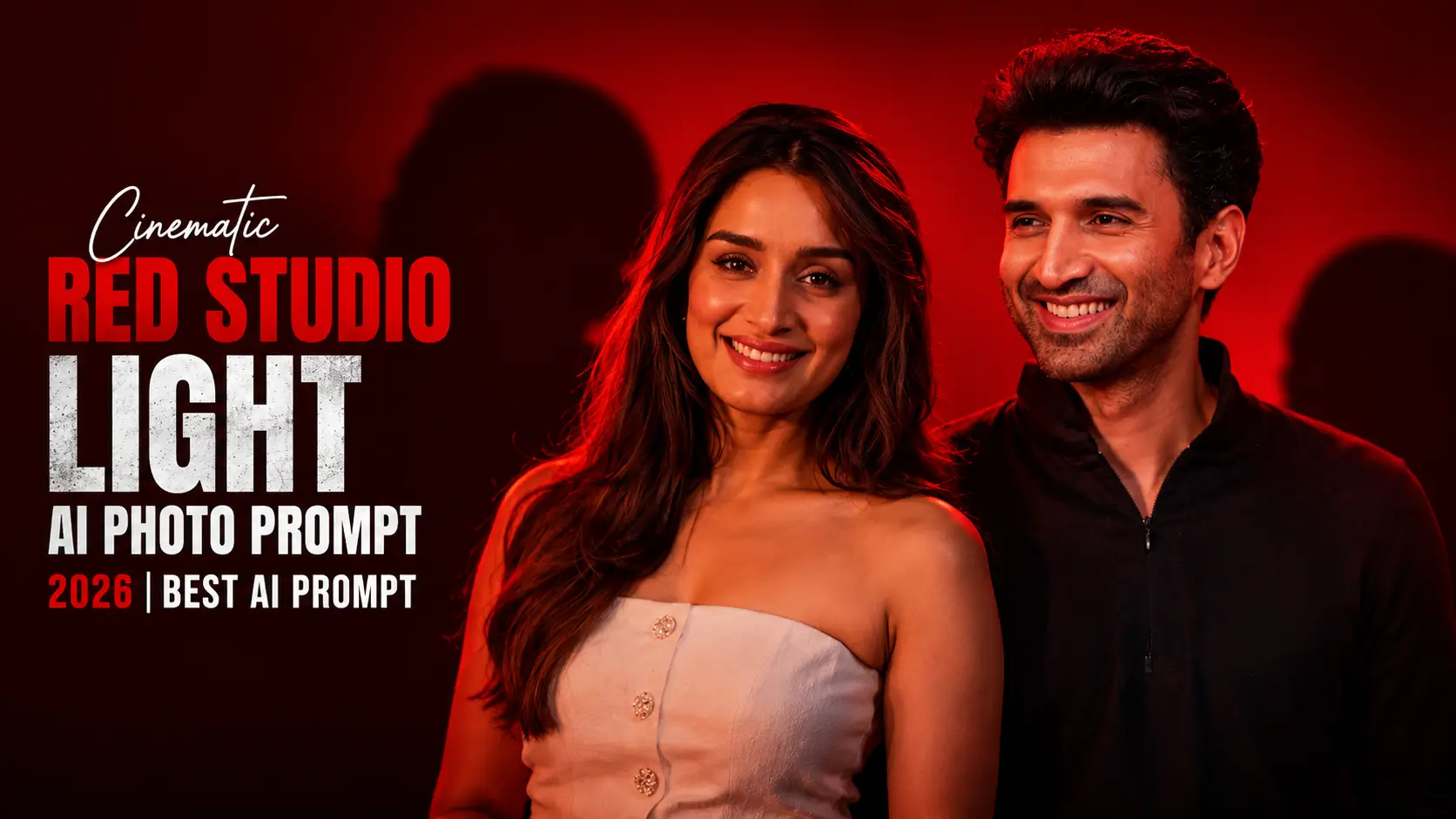
Want your portraits to look like they came straight from a Hollywood movie set? Cinematic red studio lighting has become one of the biggest AI photo editing trends of 2026. With bold red tones, dramatic shadows, and professional-looking lighting, even an ordinary selfie can be transformed into a stunning masterpiece.
The best part? You don’t need expensive cameras, professional lighting equipment, or advanced editing skills. Modern AI image generators can recreate the same cinematic effect using a well-written prompt.
In this article, you’ll discover everything about Red Studio Light AI photo prompts, the best prompts to use, top AI tools, common mistakes, and expert tips for getting realistic, high-quality results.
What are Red Studio Light AI Photo Editing Prompts?
Red Studio Light AI photo editing prompts are detailed text instructions that tell an AI image generator how to create or edit a photo using dramatic red lighting. These prompts describe the lighting style, camera angle, facial details, background, colors, and overall cinematic mood.
Instead of manually adjusting lighting in editing software, AI understands your prompt and automatically generates a professional-looking portrait with realistic shadows, glowing highlights, and rich red tones.
These prompts work with popular AI tools like ChatGPT, Flux AI, Midjourney, Gemini, Ideogram, and other advanced image generators, making high-end studio photography accessible to everyone.

Why are Red Studio Light AI Photos Popular?
You can also try, trending prompts: Viral Close-Up Portrait AI Photo Editing Prompt
Best Red Studio Light AI Prompts
Cinematic Red Studio Portrait
Red Neon Glow Portrait
Fashion Studio Red Lighting
Professional Red Ambient Light
Hollywood Red Studio Look
Best AI Tools for AI Photo Editing
Common Mistakes To Avoid
Tips For Better Results
Conclusion
Cinematic Red Studio Light AI Photo Editing Prompts are one of the easiest ways to create bold, professional-looking portraits without expensive equipment. With the right prompt, AI can generate stunning images featuring dramatic lighting, realistic skin textures, and a premium studio feel.
Whether you’re creating content for social media, building a photography portfolio, or designing eye-catching profile pictures, this style helps your images stand out with a modern cinematic aesthetic.
Try the prompts shared in this guide, explore different AI tools, and fine-tune your descriptions to achieve the perfect red studio lighting effect. With a little experimentation, you can create high-quality AI portraits that look like they were captured in a professional photo studio.