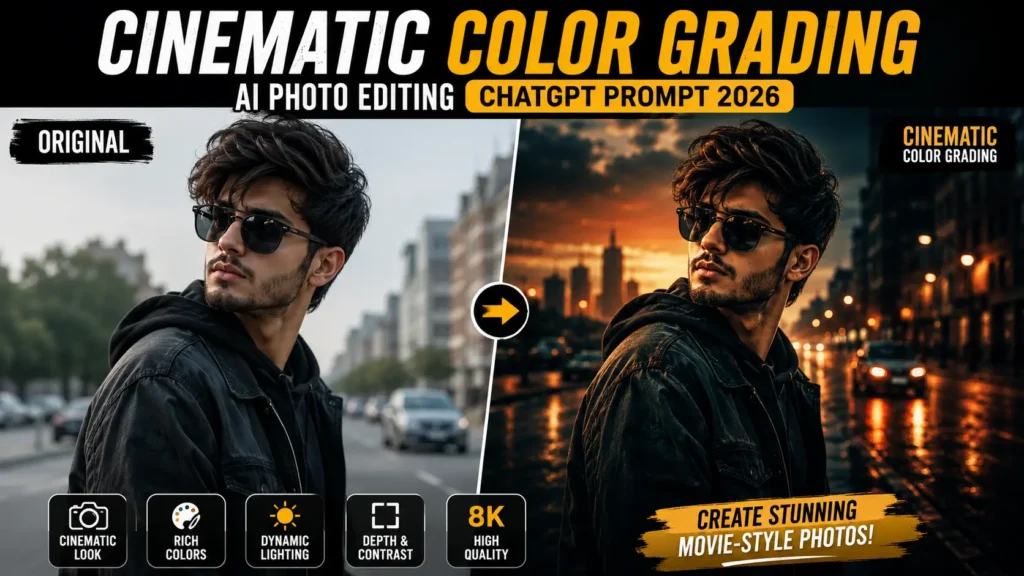
Cinematic Color Grading AI Photo Editing ChatGPT Prompt 2026
Have you ever wondered how movie scenes look so dramatic, colorful, and visually stunning? The secret lies in cinematic color grading. In 2026, AI has made it easier than ever to recreate that same Hollywood-style look in just a few minutes.
With a detailed ChatGPT prompt, you can transform an ordinary portrait into a professional-looking masterpiece featuring rich colors, dramatic lighting, realistic shadows, and a premium cinematic atmosphere.
Cinematic Color Grading AI Photo Editing has become one of the hottest editing trends on Instagram, TikTok, Facebook, and YouTube. Whether you’re a content creator, photographer, influencer, or simply someone who loves creative photography, AI tools can help you achieve movie-quality edits without needing advanced editing skills.
In this article, you’ll discover what Cinematic Color Grading AI Photo Editing Prompts are, why they’re trending in 2026, six ready-to-use ChatGPT prompts by Vikas Edits, the best AI tools, common editing mistakes, and expert tips to create stunning cinematic photos.
What are Cinematic Color Grading AI Photo Editing Prompts?
Cinematic Color Grading AI Photo Editing Prompts are detailed text instructions that guide AI image generators to create photos with a professional movie-like appearance. These prompts describe every important detail, including lighting, color tones, camera settings, background, depth of field, skin texture, shadows, reflections, and overall mood.
Cinematic prompts focus on:
These prompts are widely used with AI tools like ChatGPT, Midjourney, Flux AI, Gemini, Leonardo AI, and Adobe Firefly. Even beginners can generate professional-quality cinematic portraits simply by copying and customizing a well-written AI prompt.
Why are Cinematic Color Grading AI Photos Popular?
The biggest reason behind their popularity is their premium visual quality. Cinematic images immediately capture attention because they feature dramatic lighting, rich colors, realistic shadows, and an emotional atmosphere that ordinary photos often lack.
Another reason is accessibility. Professional color grading once required expensive software and years of editing experience. Today, AI tools allow anyone to generate cinematic images within minutes by simply entering a detailed prompt.
Social media creators also love cinematic AI editing because it increases engagement. High-quality cinematic photos often receive more likes, shares, and comments, making them ideal for Instagram posts, YouTube thumbnails, TikTok covers, and personal branding.
Best Cinematic Color Grading AI Prompts 2026
Golden Hour Cinematic Portrait
Urban Street Movie Scene
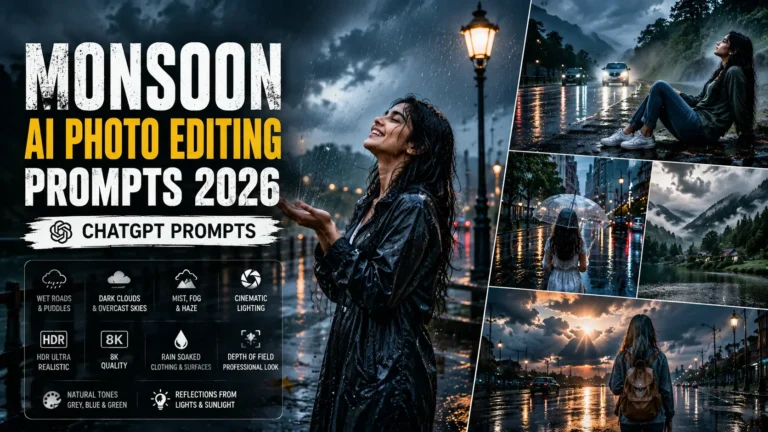
Rainy Night Cinematic Look
Forest Adventure Cinematic Style
Luxury Indoor Cinematic Portrait
Mountain Sunset Cinematic Scene
How to Create This Image
Creating a cinematic AI photo is simple if you follow the right process:
Also, try these prompts: Trending Couple Tower AI Photo Editing ChatGPT Prompts 2026
- Open your preferred AI image generator, such as ChatGPT, Midjourney, Leonardo AI, or Flux AI.
- Upload your portrait if the tool supports image editing.
- Copy one of the cinematic prompts from this article.
- Customize details like background, lighting, clothing, or color tones according to your preferences.
- Generate multiple versions to compare different results.
- Select the best image and upscale it for maximum quality.
- Save the final image in high resolution for social media or professional use.
Best AI Tools
Common Issues
Tips and Tricks
Conclusion
Cinematic Color Grading AI Photo Editing is one of the most exciting AI editing trends of 2026. It allows anyone to create professional movie-style portraits without spending hours learning advanced editing software.
With a well-written ChatGPT prompt, you can easily generate images featuring realistic lighting, dramatic shadows, premium color grading, and stunning Hollywood-quality effects. These cinematic photos are perfect for social media, personal branding, and creative projects.
Use the six prompts shared in this guide as your starting point and customize them to match your own creative vision. With the right AI tool and a little experimentation, you’ll be able to create breathtaking cinematic images that truly stand out.