
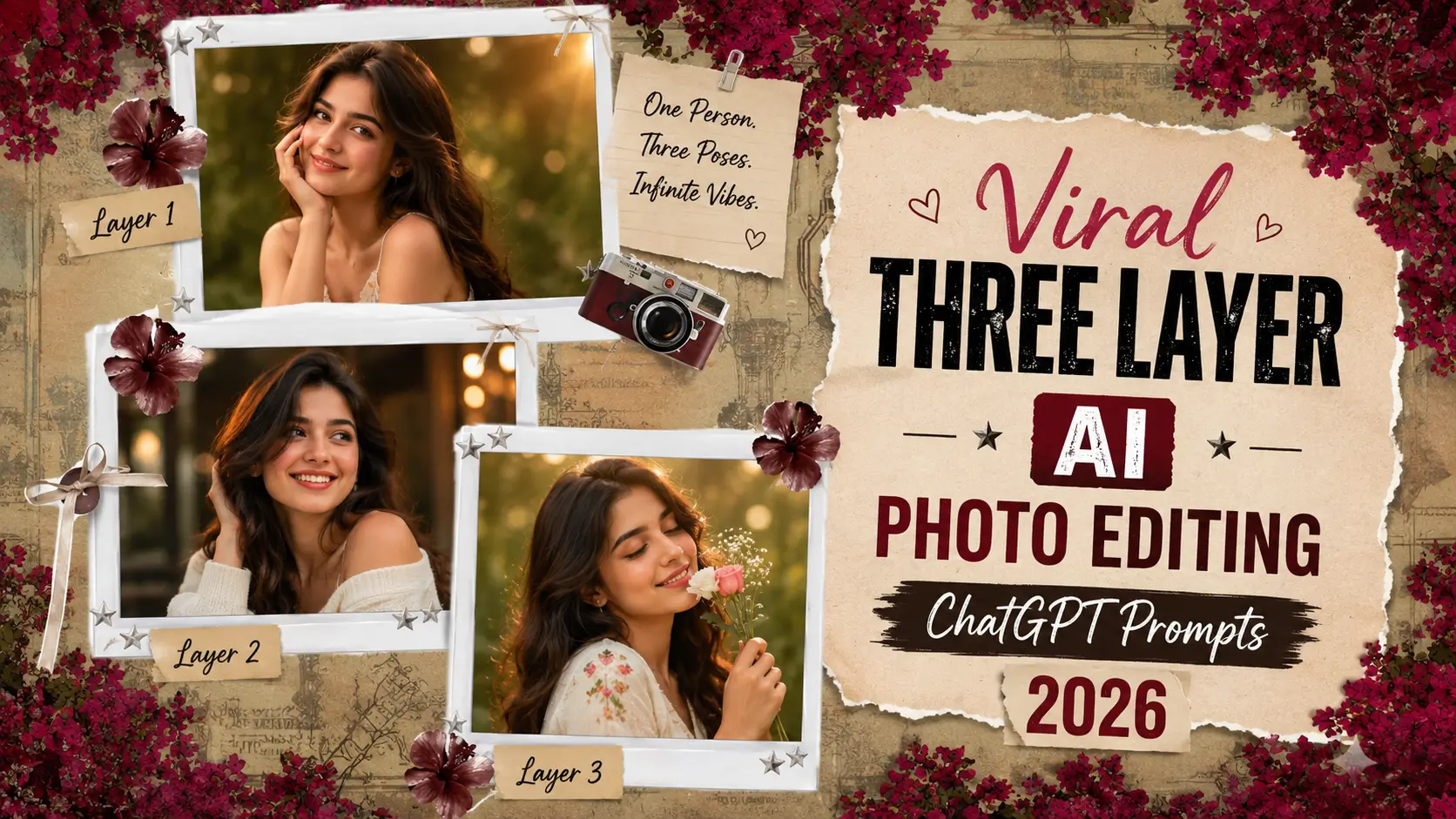
Have you noticed those stunning AI-generated portraits on Instagram, TikTok, and Facebook that look like professional movie posters? Many of these viral images use the popular Three Layer AI Photo Editing style. This editing trend combines multiple portraits and creative visual effects into a single image, making it look more dynamic, artistic, and premium than a regular photo.
The biggest reason behind the popularity of Three Layer AI edits is their ability to tell a visual story. Instead of showing just one portrait, these images display multiple angles, expressions, and background elements that work together to create a cinematic masterpiece.
The final result often looks like it was created by a professional graphic designer or photographer. Thanks to modern AI tools, creating these impressive images is now easier than ever. You simply need a good prompt and the right AI image generator.
In this article, you will learn everything about Three Layer AI Photo Editing Prompts, including how they work, why they are trending, the best prompts to use, recommended tools, common mistakes, and expert tips to help you generate stunning AI images.
What Are Three-Layer AI Photo Editing Prompts?
Three-Layer AI Photo Editing Prompts are detailed instructions that divide an image into three parts: the foreground, middle layer, and background. The foreground contains the main subject, the middle layer adds supporting visual effects, and the background creates the overall atmosphere.
This approach helps AI generate more realistic, visually appealing, and professional-looking images with better depth and composition.
Benefits of Three-Layer Prompts

Why Are Three-Layer AI Photos Popular?
Three-layer AI portraits have become extremely popular because they look much more professional than standard AI-generated images. The layered composition creates a premium visual effect that immediately catches attention on social media platforms.
Many users also prefer this style because it can be created within minutes using AI tools. What previously required advanced Photoshop skills can now be achieved simply by entering a detailed prompt.You can also try these prompt: Realistic Girl Portrait Collage AI Photo Editing Prompt
Best Viral Three-Layer AI Photo-Editing ChatGPT Prompts
Cinematic Urban Portrait
Luxury Lifestyle Three Layer Edit
Motivational Success Poster
Social Media Influencer Portrait
Creative Artistic Three Layer Composition
How to Create This Image
Creating a three-layer AI image is very simple if you follow these steps carefully:
Best AI Tools for Creating Three-Layer AI Photos
ChatGPT: ChatGPT helps users create detailed and professional prompts that improve AI image quality significantly.
Leonardo AI: Leonardo AI offers powerful image generation capabilities and produces realistic portraits with excellent details.
Flux AI: Flux AI is known for generating highly realistic human faces and advanced lighting effects.
Midjourney: Midjourney is ideal for users who want cinematic, artistic, and visually stunning compositions.
Bing Image Creator: A beginner-friendly platform that allows users to generate creative AI images quickly and easily.
Common Issues
Tips And Tricks
Conclusion
Three-layer AI Photo Editing Prompts have become one of the most popular AI photo trends of 2026. Their unique layered design creates professional, cinematic, and visually engaging images that stand out on every social media platform.
Whether you are a content creator, influencer, student, or photography enthusiast, these prompts can help you generate stunning AI portraits without requiring advanced editing skills. The combination of multiple portrait layers and creative backgrounds adds depth, storytelling, and artistic appeal.
By using the prompts, tools, and tips shared in this guide, you can create eye-catching Three Layer AI images that look professionally designed and have the potential to go viral across social media platforms.